

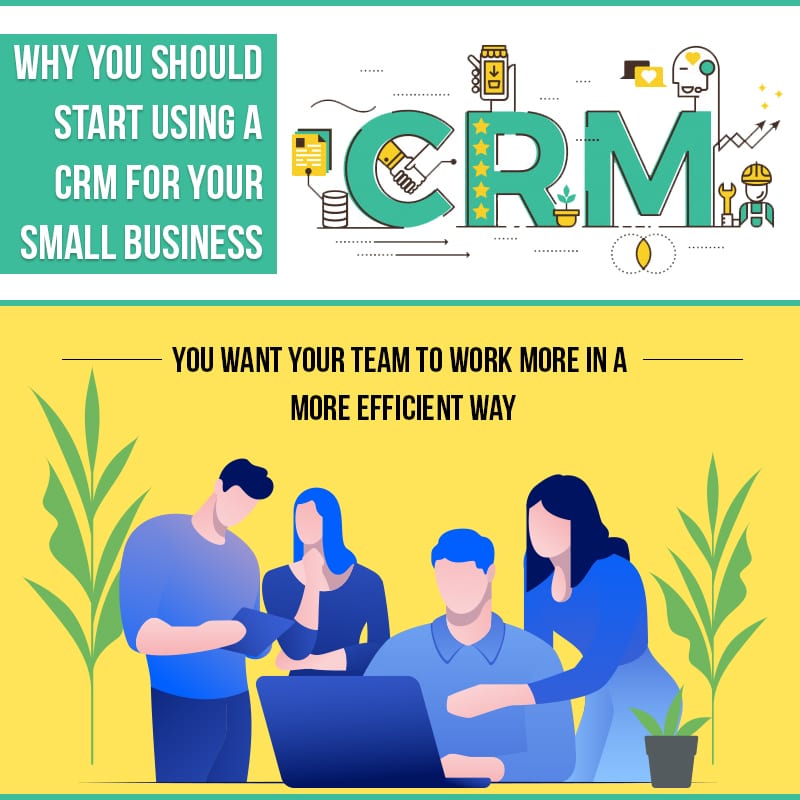
Running a small business is hard work, and anyone who says diffrent probly hasn’t done it. You got competitors on every corner, customers who expect fast answers, and a to-do list that never really ends. One thing that puts you a step ahead of the shop down the street is a good CRM system. A CRM for small business helps you keep track of every customer, every lead, and every follow-up, all in one spot. In this guide we’ll walk through what a CRM is, the signs your business is ready for one, the top benefits, and how the right small business CRM can help you win more repeat customers in your local market.
What Is a CRM and How Does It Work?
A Plain-English Definition of CRM
CRM stands for customer relationship management. In plain words, it’s a tool that keeps all your customer info in one place so you don’t have to dig through emails, sticky notes, and three diffrent spreadsheets. A CRM for small business stores names, phone numbers, past orders, notes from your last chat, and where each lead sits in your sales process. Think of it like a smart address book that remembers everything about the people who keep your doors open.
How a CRM Works Day to Day
Here’s how it works day to day. When a new lead calls or fills out a form on your website, the CRM saves their details automatically. Your team can see the whole history of that person in a few clicks. So when Mrs. Johnson from down the block calls back next month, whoever answers already knows what she bought last time and what she needed. That kind of memory builds trust, and trust is what keeps folks coming back in a crowded local market. From that first lead capture all the way to the follow-up, the whole journey stays in one tidy place.
Signs Your Small Business Is Ready for a CRM
Not sure if it’s time? Most small business owners hit the same tipping points. If any of these sound like you, a small business CRM is probly overdue.
You’re Planning to Scale and Grow
Everybody wants to grow, right? But more customers means more work for your team. The more people you serve, the harder it gets to remember who needs what. Before you go hiring a bunch of new folks or leasing a bigger office, look at a cost-effective fix first. A CRM keeps everything in one place and gives you a smoother way to handle customers, so you can grow without the whole thing falling apart. It buys you time to focus on the big-picture stuff instead of chasing details all day.
Customer Data Is Scattered Across Tools and Spreadsheets
If your customer info lives in one person’s inbox, another person’s phone, and a spreadsheet nobody has updated since spring, you got a problem waiting to happen. Scattered data means missed follow-ups and lost sales. When a customer calls and nobody can find their file, it looks bad and it feels worse. A CRM pulls all that together so anyone on your team can find the right info fast, even the new hire on their first day.
Your Team Wastes Time Chasing Contact and Lead Info
One of the clearest benefits a CRM brings is that it gathers all the info about your past and present customers in one place, as neat as possible. You know what that means for your team? No more wasting minutes hunting for a phone number, digging up lead details on a potential buyer, or asking a coworker “hey, did you ever call that guy back?” A small business CRM really does prove the old saying that time is money.
You’re Losing Track of Follow-Ups and Repeat Customers
How many times has a good lead gone cold just because nobody called them back in time? In a local business, repeat customers and referrals are your bread and butter, and every missed follow-up is money walking out the door. A CRM sets reminders and tasks so nothing slips through the cracks. It nudges you to check in with that customer who bought a while ago, or to circle back with the neighbor who asked about your services last week. When you stop dropping follow-ups, you start closing more deals.
Top Benefits of a CRM for Small Businesses
Alright, so here’s the good part. Below are the biggest reasons small business owners across the U.S. lean on a CRM to stay competitive in their local area.
Centralized Customer Information in One Place
Instead of jumping between apps, everything sits in one dashboard. Contact info, purchase history, service notes, and open tasks all live together. For a local service business that depends on repeat customers and word-of-mouth referrals, this is gold. You can see who your best customers are and thank them, and you never drop the ball on a follow-up again.
Improved Team Efficiency and Collaboration
When everybody works off the same info, your team stops stepping on each other’s toes. One person picks up right where another left off. Research from software provider Salesforce has reported that CRM tools can improve team productivity for sales staff, largely because folks aren’t wasting time on busy work. Your mileage will vary, but the idea is simple: less digging around, more time actually helping customers.
Smarter, More Targeted (and Local) Marketing Campaigns
To keep standing out from your competitors, you gotta know that marketing campaigns aren’t worth much if they hit the wrong people. If you want more sales, personalized offers are the way to go. A CRM helps you group your customers so you can send the right message to the right folks. Want to run a local email or social campaign aimed at people in your neighborhood or nearby towns? A small business CRM makes that easy. You can schedule emails, social posts, and geo-targeted ads all from one place, and give your whole marketing plan a fresh new look.
Better Sales Tracking and Pipeline Management
A CRM shows you every deal in your pipeline, from first hello to final sale. You can spot which leads are hot, which ones went cold, and where deals get stuck. That means fewer surprises and better forecasting. When you can see your whole sales picture at a glance, it’s way easier to hit your goals month after month.
Stronger Customer Retention and Personalized Service
Getting a new customer costs a lot more than keeping one you already got. A CRM helps you remember birthdays, service anniversaries, and past needs, so every customer feels like they matter. In a tight-knit community, that personal touch keeps people loyal and gets them telling their friends about you. Referrals are the lifeblood of local business, and a CRM helps you earn more of them.
How to Choose the Right CRM for Your Small Business
Picking the right tool can feel confusing with so many options out there. Here’s what to keep in mind so you don’t overspend or end up with somethin too complicated for your team to actually use.
Key Features to Look For
- Easy contact and lead management that anyone can learn fast
- Sales pipeline tracking so you see every deal clearly
- Email and marketing automation for local campaigns
- Reports and dashboards that show what’s working
- Mobile access so your team can work on the go
- Good U.S.-based support when you got questions
Budget and Scalability Considerations
Look for a CRM that fits your budget now but can grow with you later. You don’t want to switch systems again in a year. Many CRMs start affordable and add more features as you scale. Think about how many users you’ll have, how much data you’ll store, and whether the price goes up in a way you can handle down the road. A small business CRM should feel like a partner, not a monthly bill that keeps surprising you.
Cloud vs. On-Premise and Integration Needs
Most small businesses these days go with a cloud-based CRM. That means the software runs online, so you can log in from the shop, from home, or from a job site with just a phone or laptop. There’s no big server to buy and no IT person needed on site. An on-premise CRM, on the other hand, lives on your own computers, which gives you more control but costs more upfront and takes more upkeep.
- Cloud CRM: low startup cost, works anywhere, updates itself, great for most local shops
- On-premise CRM: more control, higher upfront cost, needs its own maintenance and hardware
Also think about the other tools you already use, like your email, your accounting software, or your online booking system. A good CRM should connect with those so your data flows nice and smooth instead of you copying stuff by hand.
Getting Started with a CRM: Step-by-Step Next Steps
Starting out doesn’t have to be scary. First, list your goals, like more follow-ups or better tracking. Next, gather your existing customer data from those scattered spreadsheets. Then import it into your new CRM and set up a few simple pipelines. Train your team on the basics, and start small. You can always add fancier features once everyone gets comfortable. Most small businesses see real results within the first couple months.
Frequently Asked Questions
What does a CRM do for a small business?
A CRM keeps all your customer info, leads, and sales in one organized place. It helps your team follow up faster, run smarter marketing, and give more personal service. For a small business trying to compete in a busy local market, that means more repeat customers and less wasted time.
How much does a CRM cost for a small business?
Prices range a lot. Some basic CRMs are pretty cheap per user each month, while feature-packed ones cost more. The good news is you can usually start small and only pay for what you need, then add more as your business grows. Reach out to us and we’ll help you find a plan that fits your budget.
Is a CRM worth it for a very small team?
Yes, even a two or three person shop benefits. When your team is small, every minute counts, and a CRM cuts out the time you’d spend hunting for info or chasing leads. It also makes you look more professional to customers, which helps you compete with bigger companies in your area.
How long does it take to set up a CRM?
For most small businesses, basic setup takes anywhere from a few days to a couple weeks, dependin on how much data you got and how many features you want. Simple contact and pipeline setups can be done quick. We help our clients get up and running smooth so you see value fast.
Ready to Grow? Partner with CRM Solutions USA
Finding the one tool your business needs can be tricky, we get it. That’s where we come in. At CRM Solutions USA we’re focused on helping local small businesses reach their goals with a CRM that actually fits how you work. We aim high and we back it up with real U.S.-based support. Schedule a call today and let us help your business grow and win more repeat customers in your community.